Enhance Your Aquascape with Chihiros WRGB II Lights
Discover how Chihiros WRGB II transforms aquascapes with vibrant plant colors. Our guide covers setup, customization, and optimal growth.
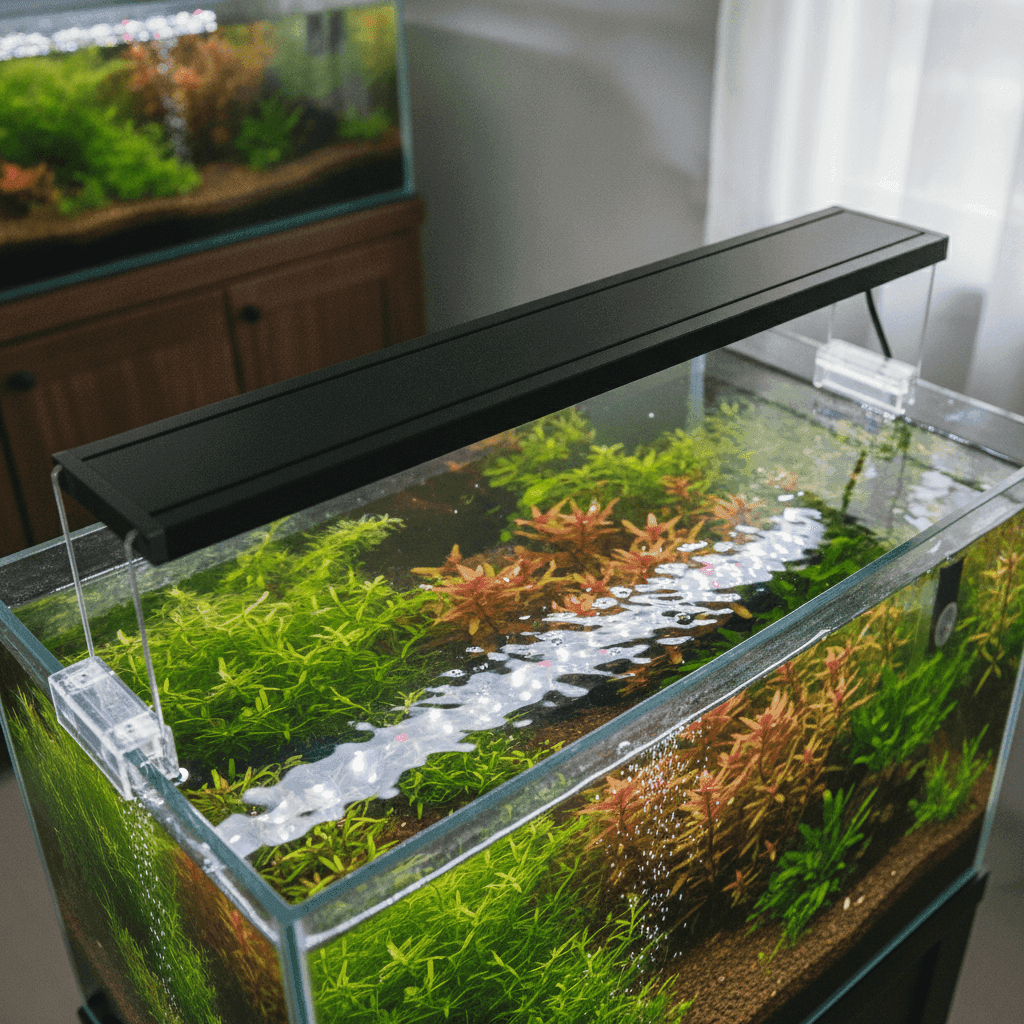
Transform Your Aquascape with the Chihiros WRGB II: A Comprehensive Guide
If you're passionate about aquascaping, you probably know about the Chihiros WRGB II—an innovative lighting solution that's quickly become a favorite among aquarium enthusiasts. This technology is crafted for planted aquariums, using a unique RGB spectrum to enhance plant colors dramatically, surpassing the capabilities of regular lights.
One of the standout features of the Chihiros WRGB II is its ability to intensify the vibrant reds, lush greens, and rich browns of aquatic plants, crafting stunning underwater visuals. This guide will help you set up the lighting system, customize it using the My Chihiros app, and fine-tune settings to promote plant health and boost visual appeal.
What is the Chihiros WRGB II?
The Chihiros WRGB II is a major advancement in aquarium lighting, featuring the WRGB—White, Red, Green, Blue—spectrum. Unlike standard LED lights that emit a single spectrum, this series gives you full control over each color channel, ensuring plants get the balanced light they need to thrive and look their best.
Lighting is essential in any planted aquarium. Just as sunlight fuels terrestrial plants, proper lighting is crucial for photosynthesis in aquatic plants. It affects growth, color, and health. By carefully selecting a light spectrum, you can reveal plant colors that might go unnoticed. To learn more about the basics of aquarium lighting, check out our Planted Tank Lighting: Boost Growth & Prevent Algae.
Direct Answer: Is the Chihiros WRGB II Good for Planted Tanks?
Absolutely. The Chihiros WRGB II is a top choice for both beginners and experienced aquascapers. Its standout features include:
- Adjustability: Customize light intensity and spectrum based on your aquarium’s needs.
- Spectrum Balance: Utilizes a full-spectrum mix of white, red, green, and blue LEDs for enhanced plant color.
- Integration Capabilities: Seamlessly connects with smart devices for broad control via the My Chihiros app.
Together, these features make it an exceptional option for enhancing both the look and function of your planted aquarium.
Setting Up Your Chihiros WRGB II
You don't need to be an engineer to set up the Chihiros WRGB II, though having the necessary tools will help. Here's what you'll need:
Tools and Materials:
- A Chihiros WRGB II lighting unit
- Included mounting brackets
- Power connectors
- A smart device for app control
- Basic aquarium maintenance tools
Installation Steps:
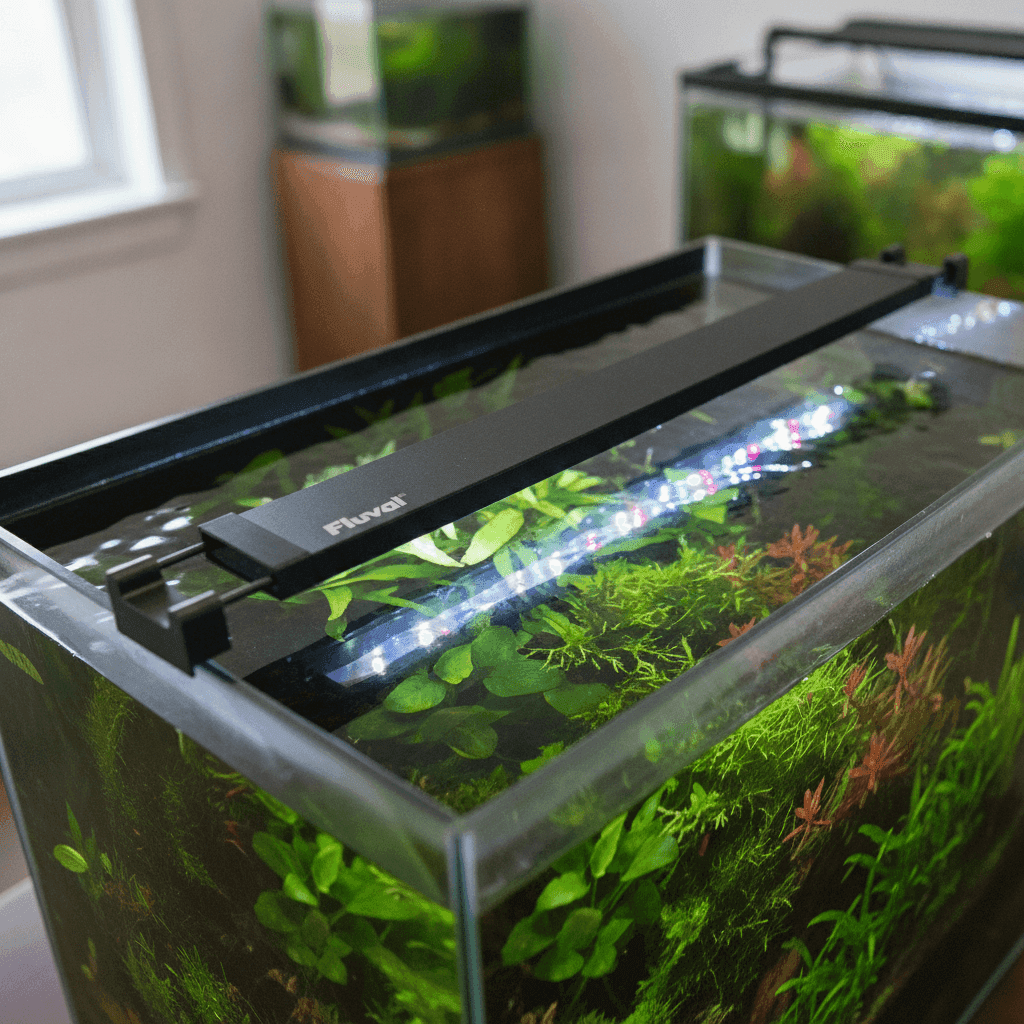
- Positioning: Place the WRGB II atop your aquarium, ensuring it covers the entire tank. If adjustable brackets are included, position the light 6-12 inches above the water for optimal coverage.
- Connecting Power: Securely connect the power, ensuring all fittings are dry.
- App Setup: Download the My Chihiros app for smart control. Switch on the light, and pair it with your device.
- Calibration: Adjust the light spectrum and intensity via the app to suit your tank’s needs.
Getting the positioning right is crucial; too close and you risk algae, too far and plants won't get enough light. Small adjustments can make a big difference in plant health.
Exploring My Chihiros App Features
The My Chihiros app significantly enhances the capabilities of your Chihiros WRGB II light, offering numerous customization options.
Key Features of the App:
- Control Interface: Easily adjust WRGB spectrum intensity and color balance.
- Scheduling: Create natural light cycles or custom schedules.
- Device Integration: Manage multiple Chihiros devices for comprehensive tank care.
Experiment with different settings in the app to see what works best for your specific tank and plant species. This can be especially useful when introducing new plants or tweaking existing setups. For more tech tips, visit our Effective Aquarium CO2 System Setup for Plant Growth.
How to Adjust Chihiros WRGB II Settings to Enhance Plant Colors
The Chihiros WRGB II’s flexibility in light spectrum customization can greatly influence plant photosynthesis and growth.
Understanding Light Spectrum:
- Red: Encourages flowering and fruiting, critical for red plants.
- Green: Balances intensity, complementing other colors for vibrant plants.
- Blue: Supports vegetative and root growth, crucial for young plants.
Optimal Light Settings:
- For Red Plants: Increase the red channel to showcase deeper reds.
- For Green Plants: Balance green and white to maintain lush foliage.
- Light Schedule: Typically run lights for 8-10 hours a day to avoid algae growth.
Adjusting the right spectrum at the right plant growth stage improves both their appearance and health.
Practical Steps to Optimize Your WRGB Light Planted Tank
Aligning your lighting with other environmental factors is vital for a thriving aquarium.
Step-by-Step Tips:
- Sync with CO2 Dosing: Match your CO2 system with the light schedule to promote robust growth.
- Nutrient Balancing: Provide enough nutrients for plants to thrive under enhanced photosynthesis.
- Environmental Balance: Regular water changes and good filtration practices are essential. Lighting is just one part of a holistic tank ecosystem.
For a complete approach to planted tanks, see our Aquascaping for Beginners: A Step-by-Step System (Low-Tech + High-Tech Paths).
Avoid These Common Mistakes with Chihiros WRGB II
Avoid these pitfalls when using the Chihiros WRGB II:
- Skipping Proper Setup: Incorrect installation can lead to bad lighting or electrical issues.
- Ignoring App Features: Many overlook the app’s advanced features like scheduling and spectrum control.
- Overlighting: Excessive light intensity or long photoperiods can boost algae growth and stress plants.
Recognizing and sidestepping these errors will save you time and keep your aquatic environment vibrant.
Maximizing Your Chihiros WRGB II Experience
The Chihiros WRGB II is renowned in the aquascaping world for its ability to enhance plant beauty while fostering growth. By utilizing its full-spectrum capabilities and smart features, you're on track to crafting a dynamic, eye-catching aquascape. As technology evolves, so can your skills, keeping you at the forefront of this rewarding hobby.
FAQ
How do I connect my Chihiros WRGB II to My Chihiros App?
- Download the App: It's available on major app stores.
- Turn on Bluetooth and Open App: Enable Bluetooth on your device, then open the app.
- Find Device: Ensure your WRGB II is powered on, then search for devices in the app.
- Connect: Follow the app prompts to complete the connection setup.
What are the best settings for a low-light tank using Chihiros WRGB II?
For low-light tanks, set intensity to 30-50% for a more subdued environment. Reduce excess red to prevent algae, but keep a solid green channel to support plant growth.
Can I use the Chihiros WRGB II without CO2?
Yes, though plant growth will be slower. Keep light intensity lower and extend photoperiods slightly to balance this, minimizing algae risk.
How often should I change the lighting schedule in my tank?
Adjust the schedule according to seasonal changes or plant growth stages. Slightly altering light intensity and duration every few months can simulate natural conditions, promoting varied growth and overall plant health.